
JB'S BRIGHT BUTTON ADVENTURES
Mia and the Minecraft Server Door
CHECK THE WORLD. KNOW THE PLAYERS. TELL.
A server invitation helps Mia and JB learn that account settings control the door, while family choices decide who should come through it.
An independent or read-together story for approximately ages 7 to 9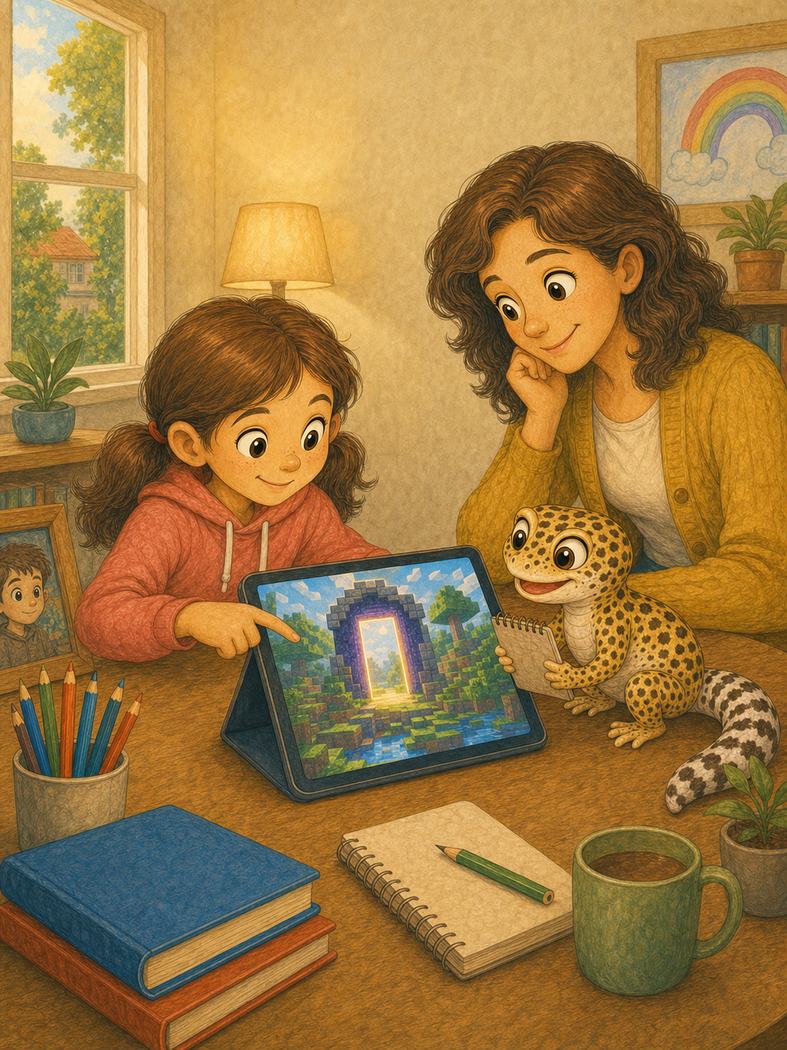
Read the large story text with your child. The smaller grown-up note explains the practical safeguard behind that moment.
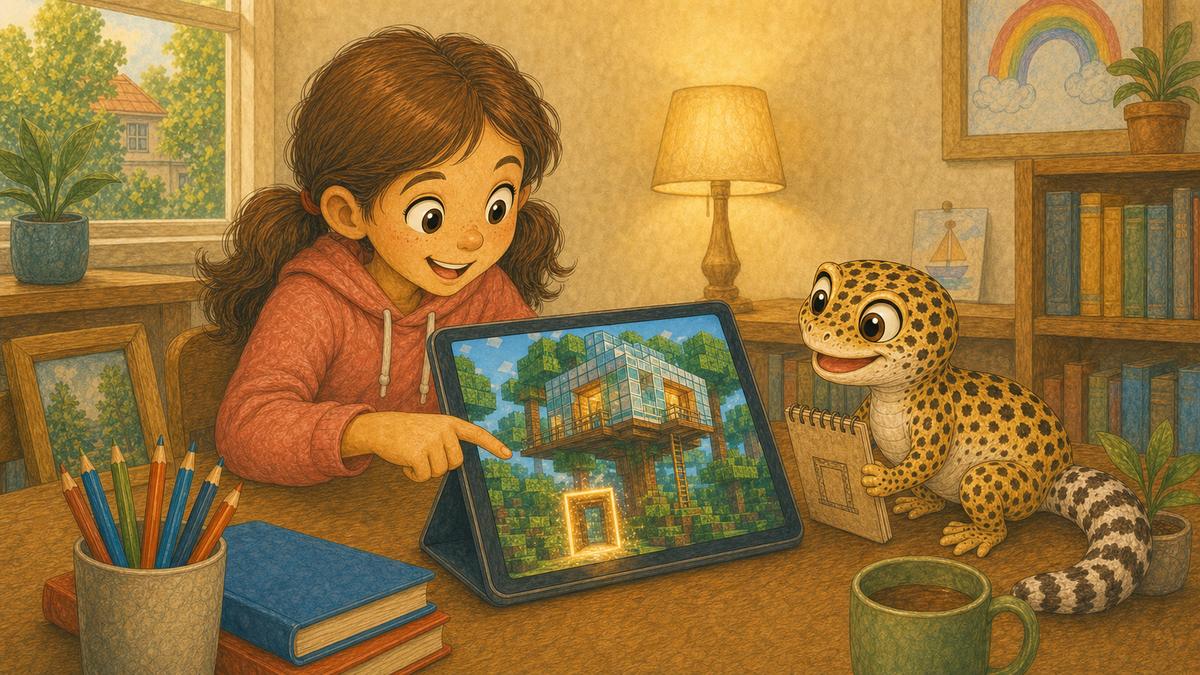
An exciting invitation
Mia and JB had spent Saturday building a glass treehouse in Minecraft. Then Priya sent an invitation to a huge server with a building contest and a promise of free diamonds. Mia's finger moved towards Join. JB looked at the bright doorway on the screen and opened his clue book.
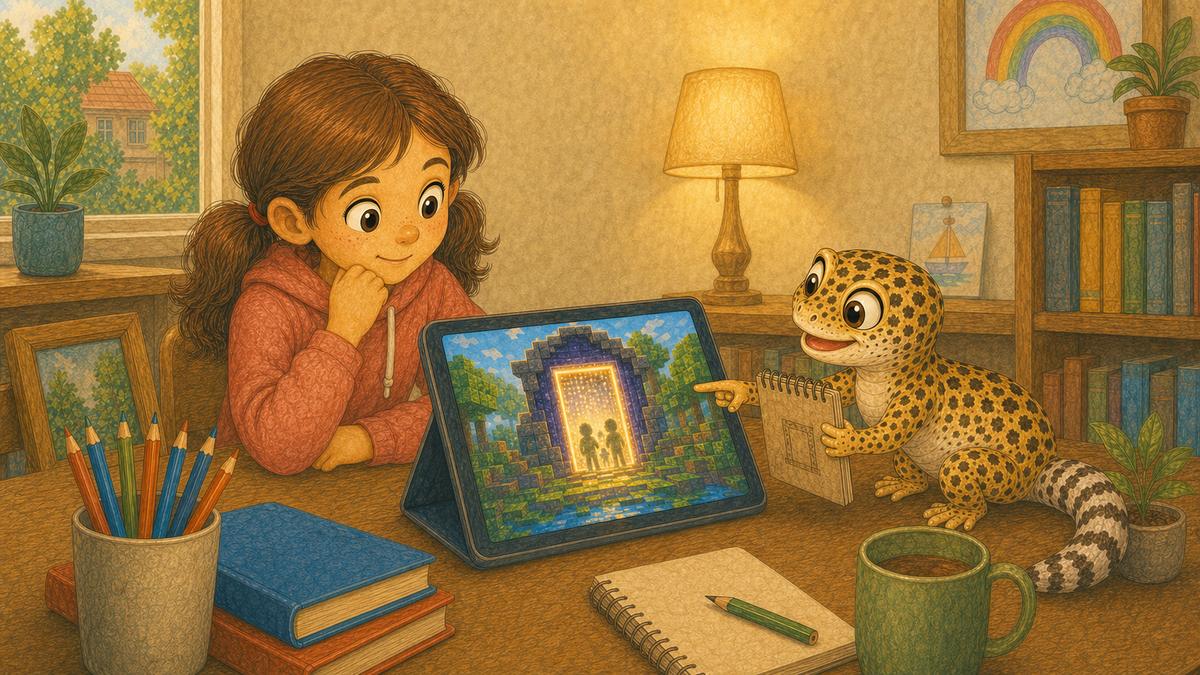
The sign is not the guest list
A server is like a door, said JB. Its name is only the sign outside. It does not tell us who is inside. Mia paused. She did not join or reply. Instead, she showed Mum the invitation and explained why the building contest looked fun.
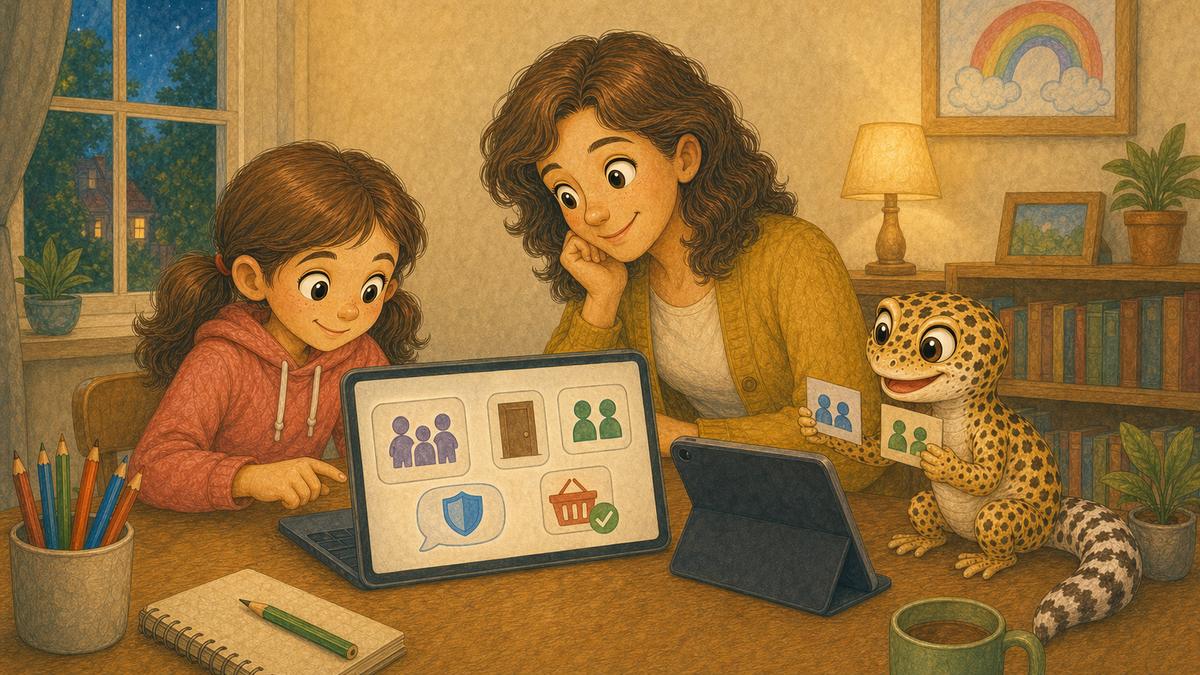
Check who can enter
Mum asked who ran the server. Priya did not know, so they left that door closed. Mum checked Mia's child account, kept communication limited and made sure every purchase needed approval. Then she spoke to Priya's dad and agreed a small invited world for children they knew. They tested it together before Mia played alone.
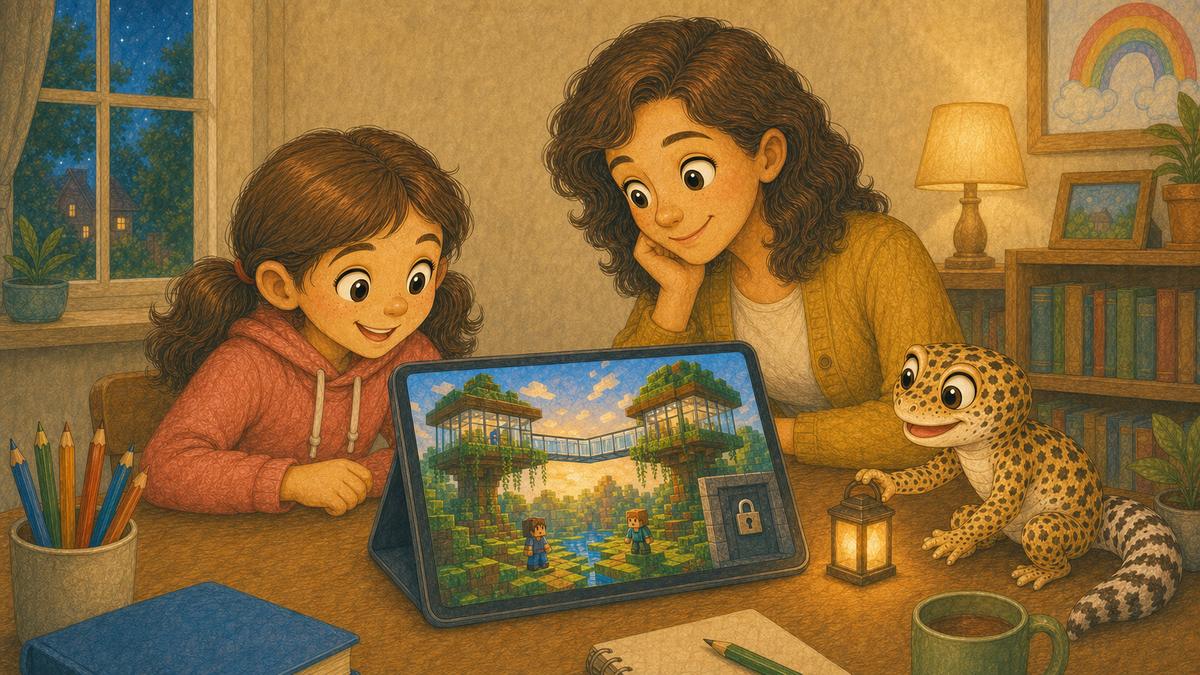
Build with the right people
Inside the new world, Mia found Priya and the two players they had agreed. Another invitation appeared, asking everyone to jump to a different server. Mia closed it and showed Mum. Then she and Priya built a glass bridge between their treehouses. JB placed a lantern beside the server door. Safe doors still need checking, he said.
This story and its illustrations were developed with the help of generative AI. Its characters, safety message and final editorial decisions are human-led and reviewed before publication.
Leo and the Video That Felt Wrong
An unexpected video helps Leo practise stopping the screen and telling a trusted grown-up.