
JB'S BRIGHT BUTTON ADVENTURES
Leo and the Pop-Up Parade
STOP. DON'T TAP. ASK.
A flashing prize and a jumble of buttons help Leo practise stopping before an advert tricks him into tapping.
A read-together story for approximately ages 4 to 6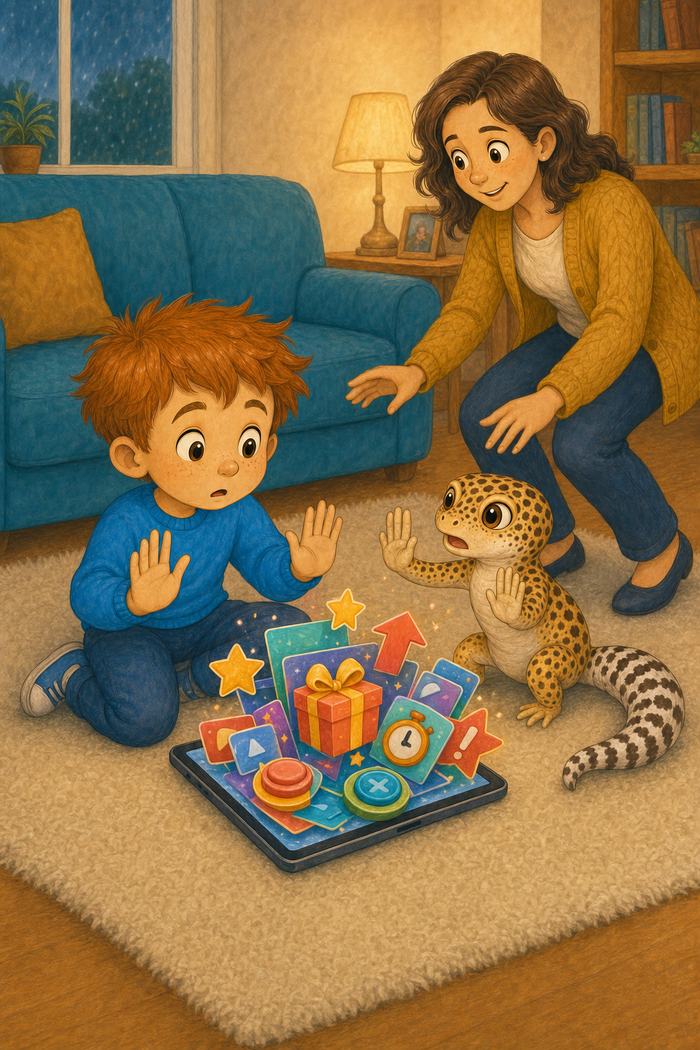
Read the large story text with your child. The smaller grown-up note explains the practical safeguard behind that moment.
A prize from nowhere
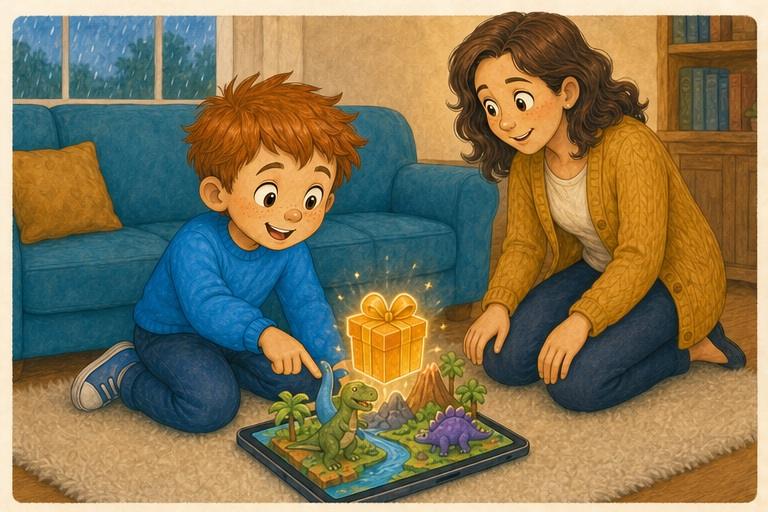
Leo was building a dinosaur park when a golden prize box bounced across the tablet. You won! it flashed. A bright button wiggled underneath. Leo had not entered a competition, but the prize looked exciting.
The button jumble
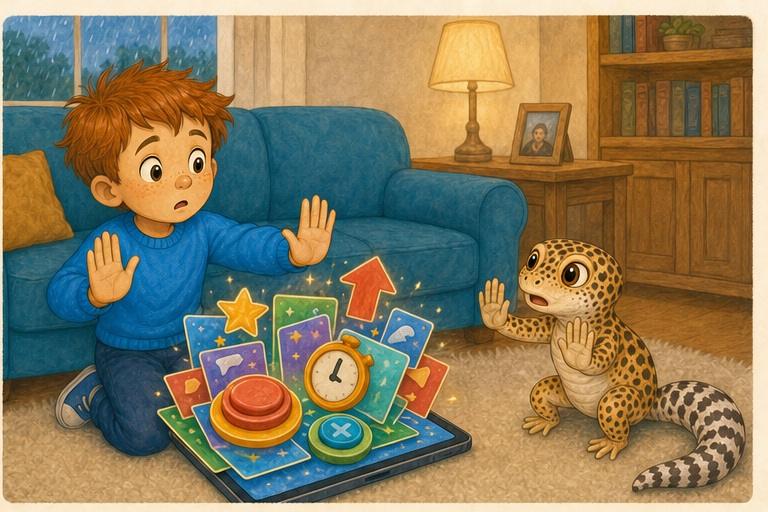
More buttons marched onto the screen. One was enormous and sparkly. Another looked like a tiny cross. Leo's finger hovered between them. JB raised both front feet. Do not guess, he said. Tricky adverts can dress up the wrong button. Leo put his hands in his lap.
Mum checks the screen
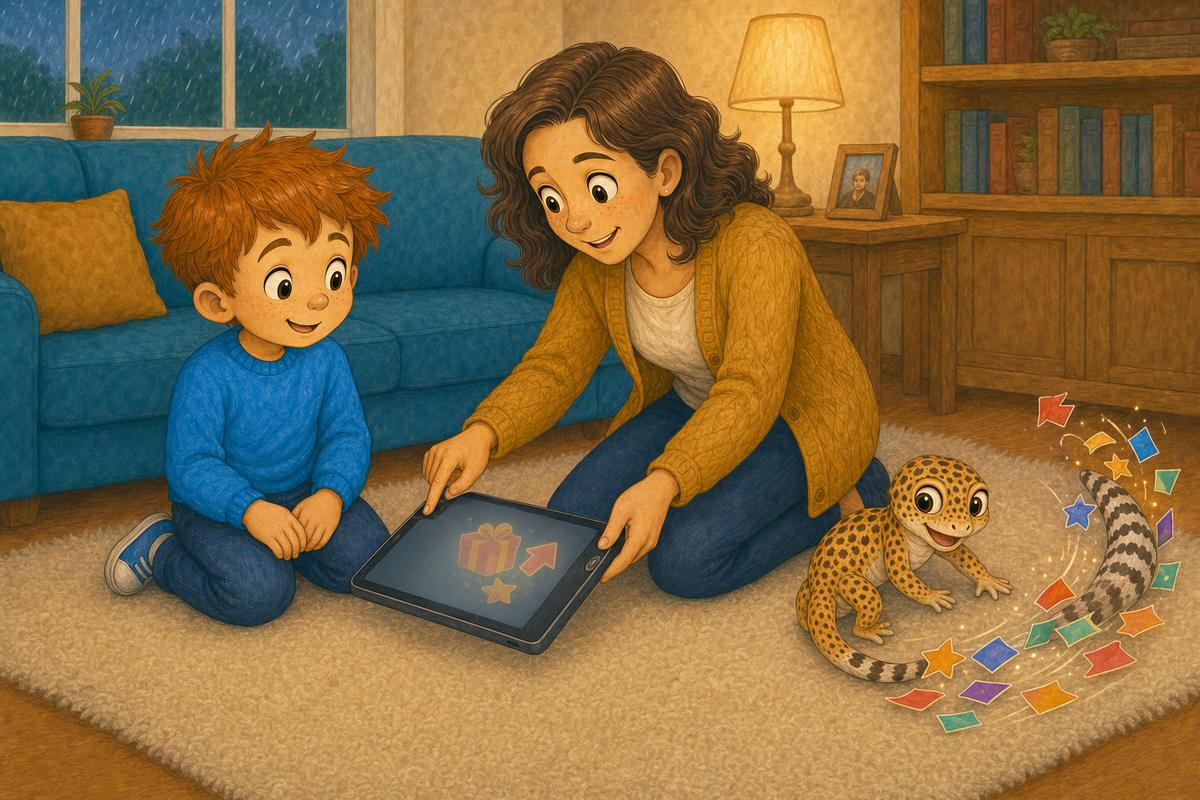
Leo called Mum and placed the tablet on the rug without tapping anything. Mum thanked him for stopping. She used the tablet's own controls to leave the game, then checked the app settings. It was an advert, not a prize. JB swept the pretend parade away with his tail.
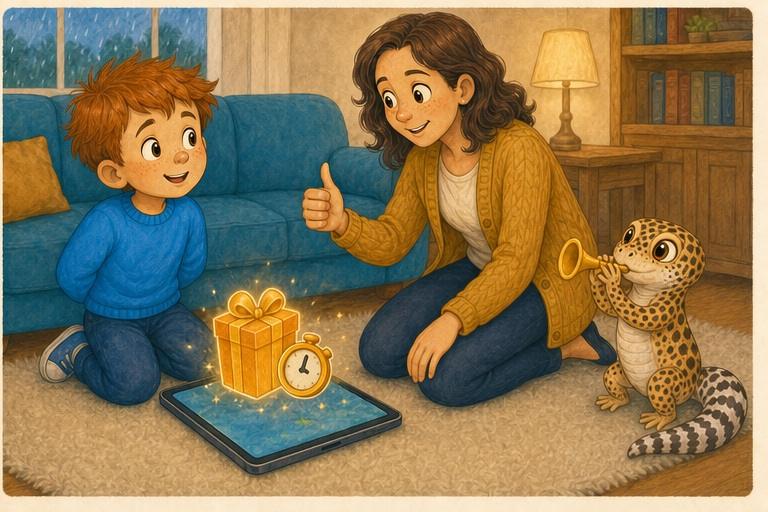
Leo spots the trick
The next day, another box promised a free dinosaur if Leo tapped before the timer finished. Leo stopped, put the tablet down and asked Mum. The timer reached zero and nothing bad happened. JB played an imaginary trumpet for the safest parade leader in the room.
This story and its illustrations were developed with the help of generative AI. Its characters, safety message and final editorial decisions are human-led and reviewed before publication.
Mia and the Mean Comment Cloud
Cruel comments gather around Mia's artwork, so she saves the evidence and gets support.