
Use a signed-in YouTube Kids profile
This keeps the child inside the younger-child experience and lets settings, history and blocking apply to their profile.
JB STORY 01
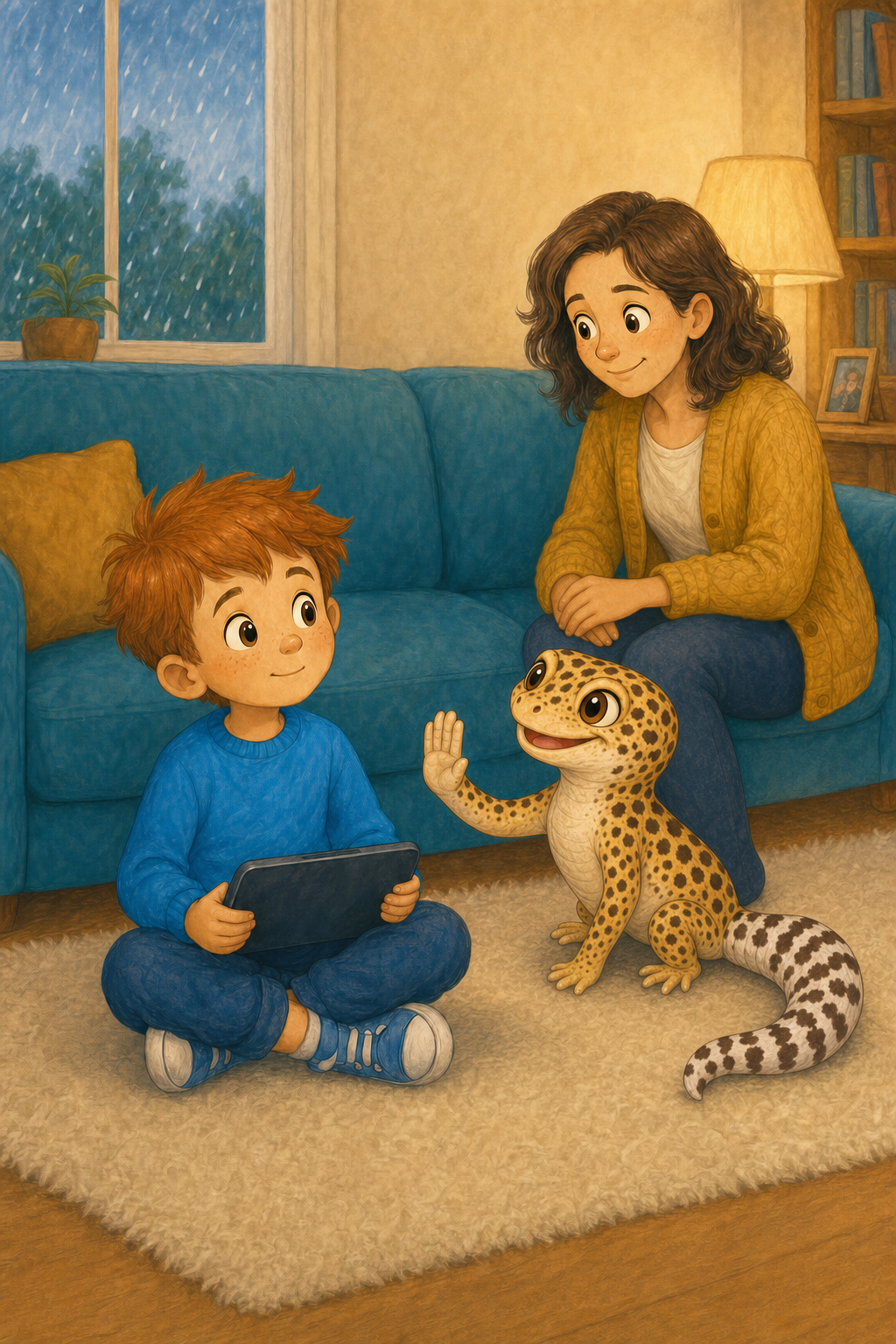
Leo learns Stop, Pause, Tell when a video feels wrong. The parent guide turns that simple child response into a practical YouTube Kids setup for younger children.
READ TOGETHER
A short, illustrated story about an unexpected video, a child's body clues and telling a trusted grown-up without being blamed.
Bright Button rule: Stop. Pause. Tell.
PARENT TECHNICAL BASELINE
Do not give a young child unrestricted access through an adult YouTube account and rely on them to avoid the wrong content.
This keeps the child inside the younger-child experience and lets settings, history and blocking apply to their profile.
Google currently describes Preschool for ages 4 and under, Younger for ages 5 to 8 and Older for ages 9 to 12. For a five-year-old like Leo, start by considering Younger, then tighten or widen it according to the individual child.
For tighter control, use Approved content only. Otherwise consider turning Search off so the child cannot explore the wider YouTube Kids catalogue freely.
Use Family Center to disable Autoplay for the child. This prevents another recommended video starting automatically and prevents the child switching Autoplay back on.
Make sure phones, tablets and televisions open into the child's profile. Use a parent code on the television where available.
Look at history and recommendations, block unsuitable videos or channels and report content that should not be there. Keep the first response calm so the child keeps telling you.
YouTube says its automated systems are not perfect. The settings reduce exposure, but they do not replace watching together, regular review and a child who feels safe asking for help.
PRACTISE THE RESPONSE
A tight tummy, hot cheeks, looking away or suddenly going quiet can all be signs that the content feels wrong.
Practise pausing, closing the video and putting the device down while everyone is calm.
Reassure the child that asking for help does not automatically mean punishment or losing the device.
Last reviewed 15 August 2026. YouTube controls and menus can change. Check the official instructions while applying this guide. This is parent-to-parent technical guidance, not emergency safeguarding advice.
HELP IMPROVE THE GUIDE
If a menu has moved or a step is unclear, tell me what you found. Please do not use this form for urgent support or a safeguarding disclosure.
Suggest an improvement →