
JB'S BRIGHT BUTTON ADVENTURES
Mia the Picture Detective
LOOK. ASK. CHOOSE.
Mia inspects the whole photo, asks permission and chooses a safer audience before sharing.
An independent or read-together story for approximately ages 7 to 9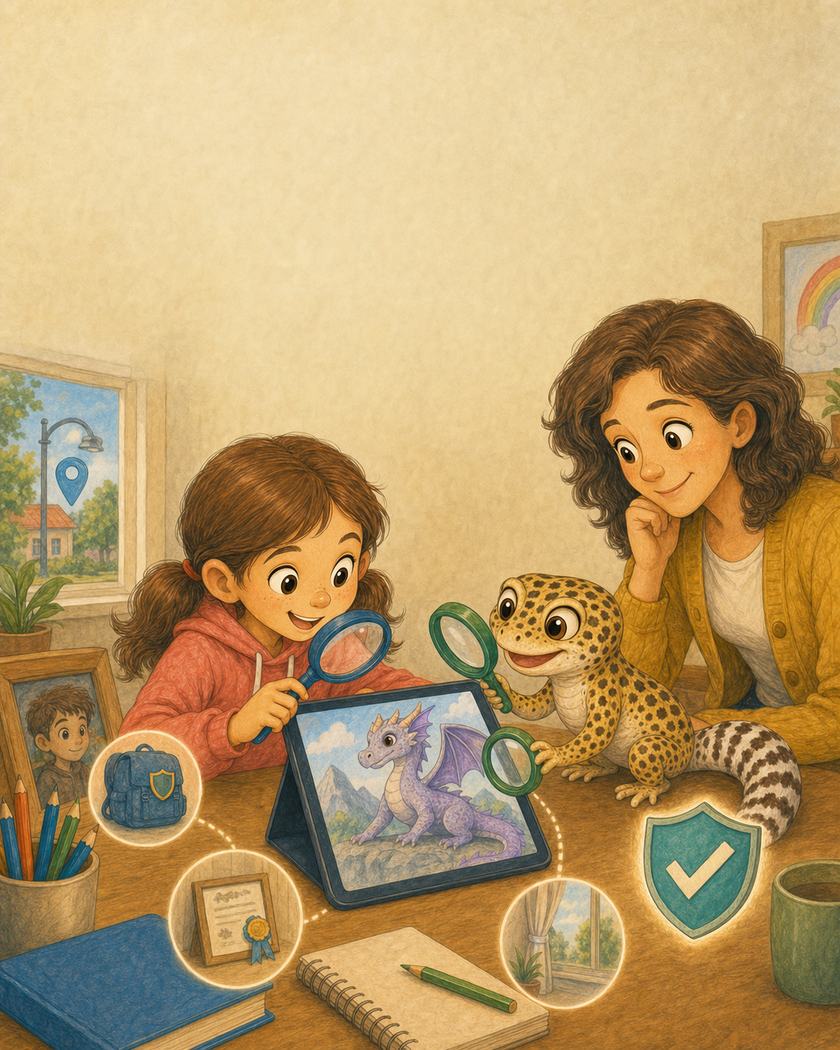
Read the large story text with your child. The smaller grown-up note explains the practical safeguard behind that moment.
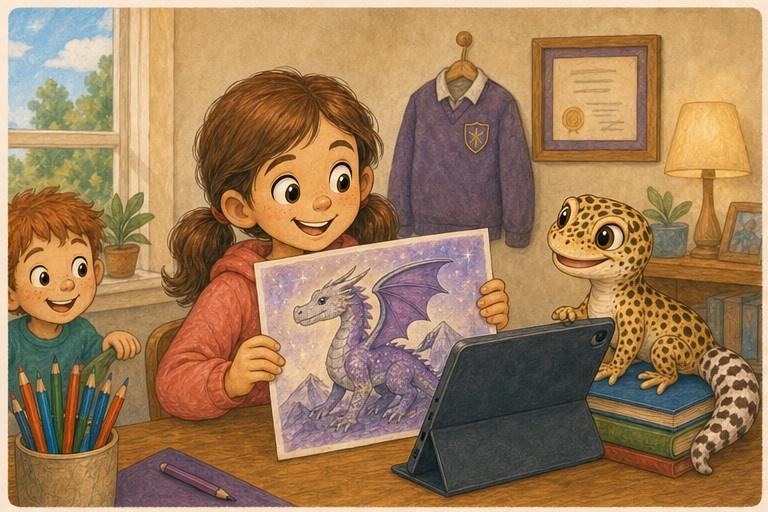
A picture worth sharing
Mia finished a purple-and-silver dragon for an online art challenge. She held up the drawing and took a photograph. The dragon looked wonderful, so Mia reached for the share button.
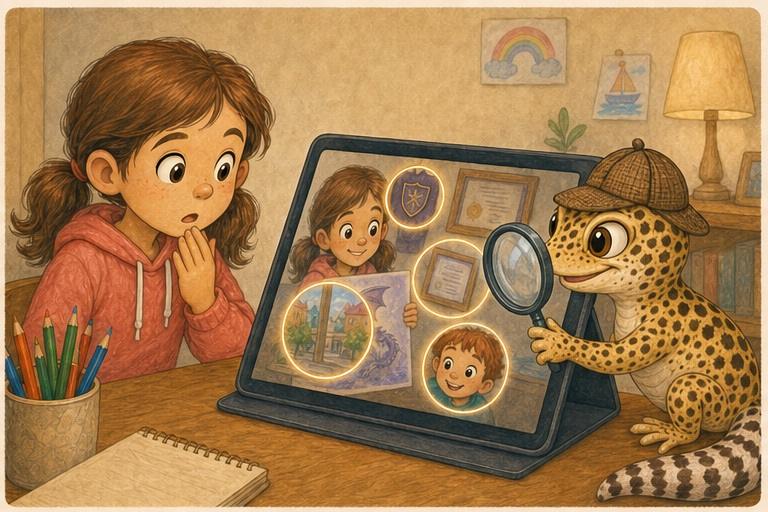
Look at the whole picture
JB put on his detective hat. Through the magnifying glass they found Mia's school badge, her full name on a certificate, a street sign outside and Leo at the edge of the picture. The photograph was carrying more clues than the dragon.
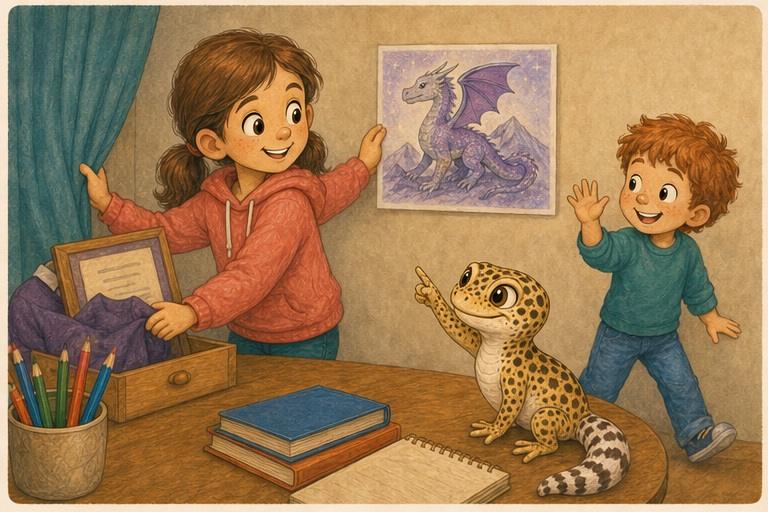
Ask and retake
Mia moved the jumper and certificate, closed the curtain and placed the dragon against a plain wall. She asked Leo if he wanted to be in the picture. No thank you, he said, and stepped away. Mia retook the photograph.
Choose the audience
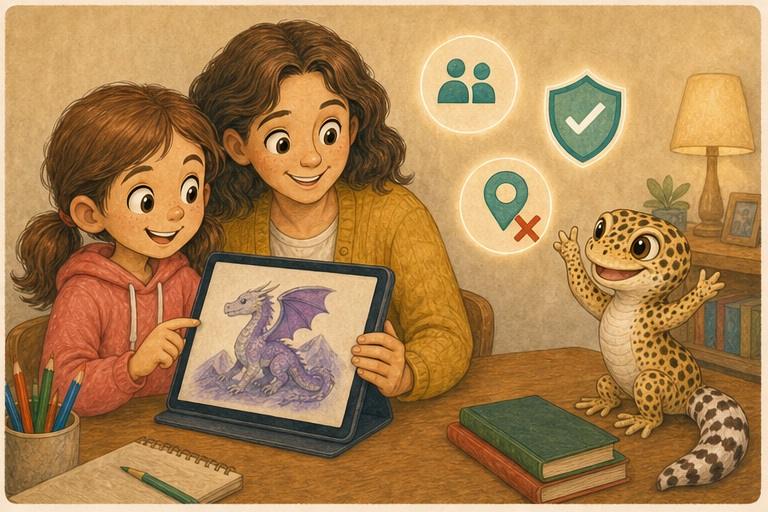
Mum checked the clean photograph with Mia. They turned location off and chose the small approved art group. Mia shared the dragon and kind comments arrived. JB declared the case solved, although he kept the hat.
This story and its illustrations were developed with the help of generative AI. Its characters, safety message and final editorial decisions are human-led and reviewed before publication.
Mia and MegaMystery99
A helpful teammate begins asking personal questions and for secrecy, so Mia reads the pattern and gets help.